- Technician management
- Mikro integration
- Team planning
Technician and team management with Mikro personnel and teams: how the import into Saha works
Mikro personnel cards become employees in Saha and Mikro teams become Saha teams. Which people count as technicians, linking by personnel number, leavers, and team members added in Saha.
· 4 min read
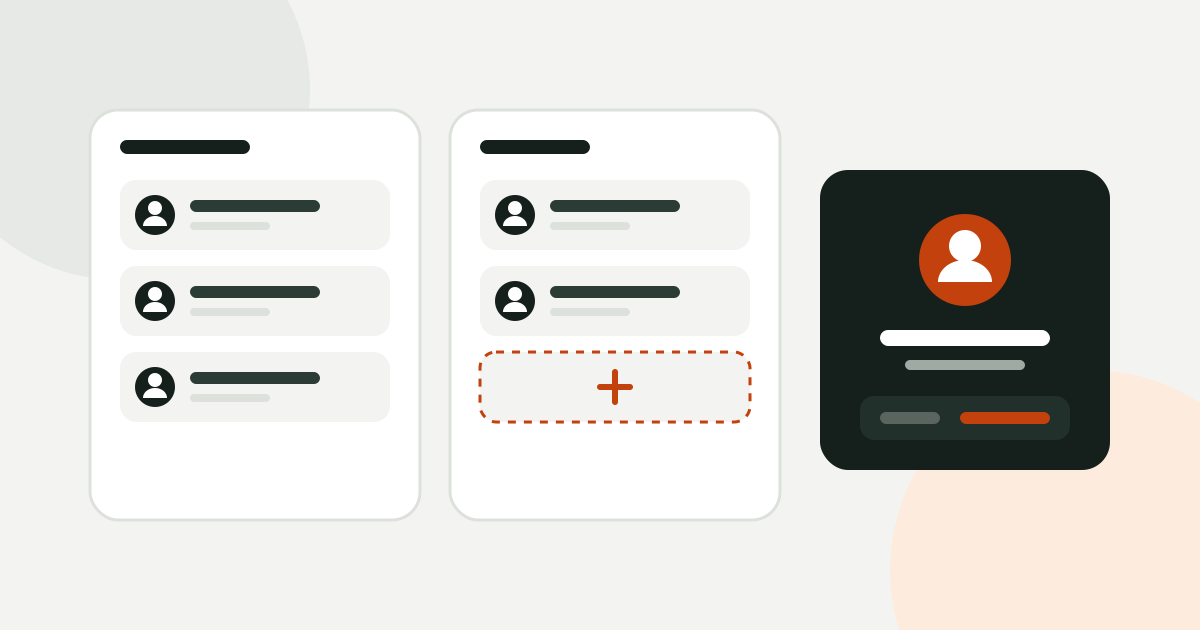
At a service company the official staff record lives in Mikro: personnel number, name, phone, job title, department, start and leaving dates. In the service tool the same people are set up once more as “technicians”. When the two lists are kept apart, a new technician waits days before getting any work, and someone who left still shows up as assignable. For technician and team management, reading the list from Mikro closes that gap.
This post is part of the Mikro ERP integration series and explains how Mikro personnel and teams come into Saha.
1. Personnel cards become employees, Mikro teams become Saha teams
In Saha, work is assigned to employees and teams, not to user accounts. An employee does not need an account in the app; if you want, one can be linked later by invitation. That split suits the Mikro import too: each personnel card in Mikro becomes an employee in Saha, each Mikro team becomes a Saha team, and team memberships come along.
Whether to give a job to a person or a team, and how to use priorities and statuses, is covered in our post on assigning work.
2. Who is a technician? By default: people in Mikro teams
Mikro’s personnel card has no “technician” flag. The accountant, the warehouse lead and the sales rep are on the same list, and none of them belong in a service tool. So by default Saha imports only personnel who belong to a team in Mikro. If your service crews are set up as teams in Mikro, your technicians come over and the rest of the payroll does not.
You can switch this to all personnel if you prefer. That suits small companies where everyone goes out to the field.
3. Linking: personnel number and team name
If you started using Saha before connecting Mikro, your employees and teams are already in Saha. The import does not create them a second time:
- If Saha has an employee with the same personnel number, the Mikro card is linked to it.
- If Saha has a team with the same name, the Mikro team is linked to it.
Linked records keep their history, assigned work and account links. That is why entering the Mikro personnel numbers on your Saha employees before the first import is good preparation.
4. What is updated
On every linked employee these fields are updated from Mikro:
- First and last name
- Phone
- Job title
- Department
- Region
Other details you add to an employee in Saha, and employees not linked to Mikro, are not changed.
5. Leavers and team members added in Saha
Personnel with a leaving date in Mikro are not created in Saha. If an employee who was already linked leaves, they become inactive in Saha; the work they did and the checklists they filled in stay under their name. No employee is deleted. Leavers are also listed in the import history, so the office can decide from there who takes over their open jobs.
Saha’s own arrangement of teams is kept too. A member you added by hand to a Mikro team in Saha, for example a subcontractor who has no record in Mikro, is not removed from the team on the next import.
6. Technician count and your plan
Saha’s plans are based on the number of technicians: Starter up to 5, Team up to 20, Business unlimited. Every active employee counts toward that limit. Keeping the default, people in Mikro teams only, rather than importing all personnel means your plan follows the people who actually go out to the field. Leavers are inactive, so they do not count.
A quick review
- Are your technicians in a service team in Mikro?
- Do your existing Saha employees carry the same personnel numbers as in Mikro?
- Do your Saha team names match the team names in Mikro?
- Have the open jobs of leavers been reassigned?
- Does the number of active employees fit your plan’s technician limit?
Managing the staff list in one place removes the morning question “does this person still work here?”. Saha is free for 60 days with no card required; create a free account and bring your Mikro teams over.